 Slomoly
Draw the speed curve
Drag keyframes on a speed graph. Ramps ease in and out, and snap to 1x, 1/2x, 1/4x and 1/8x.
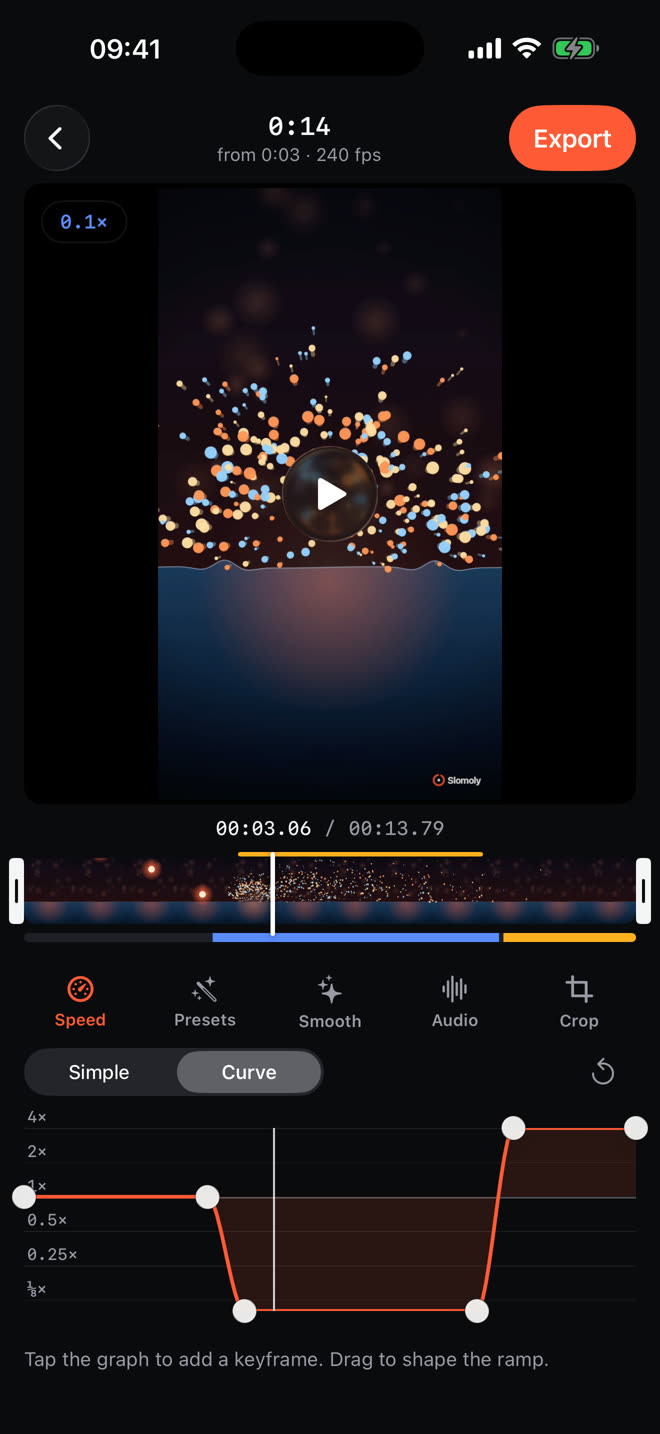
Record at up to 240 fps, then ramp any video from 4x down to 1/8x with one drag.
Shape speed the way editors do, right on your iPhone. Every change previews instantly.
Drag keyframes on a speed graph. Ramps ease in and out, and snap to 1x, 1/2x, 1/4x and 1/8x.
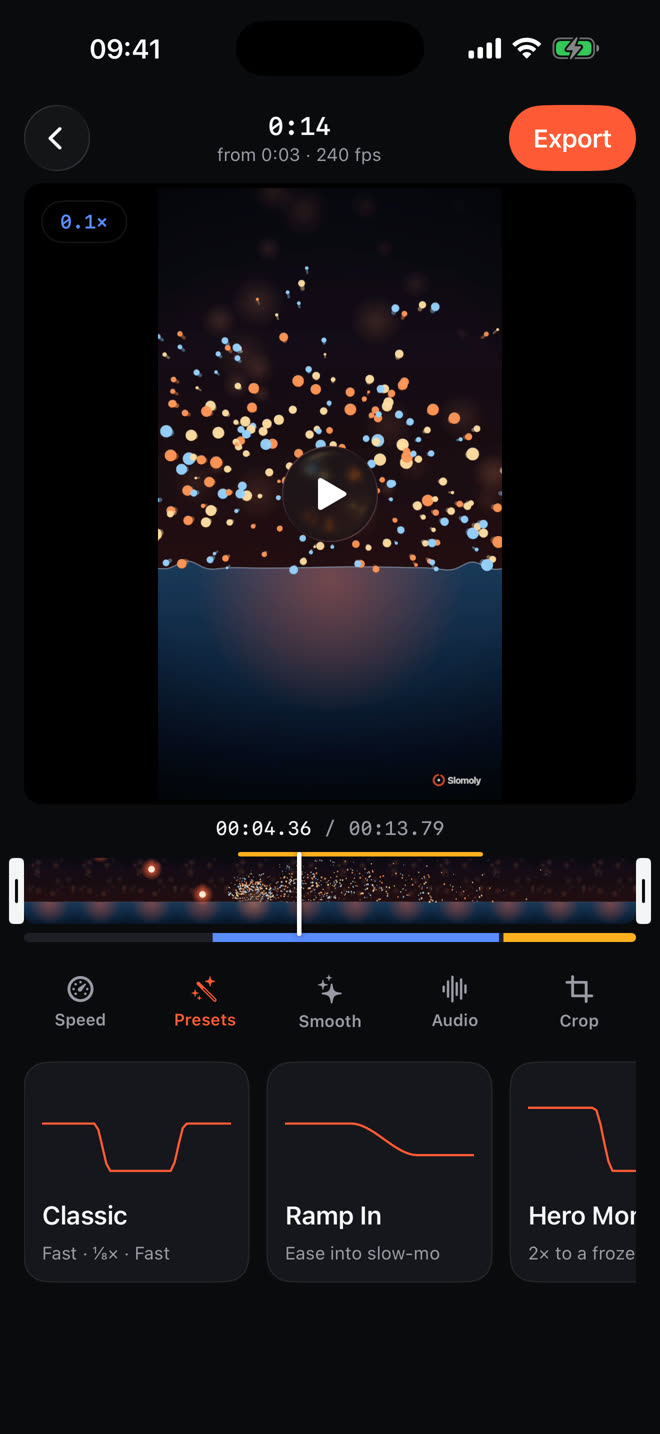
Classic, Ramp In, Hero Moment, Bullet, Montage and Pulse. Start there, then tweak.
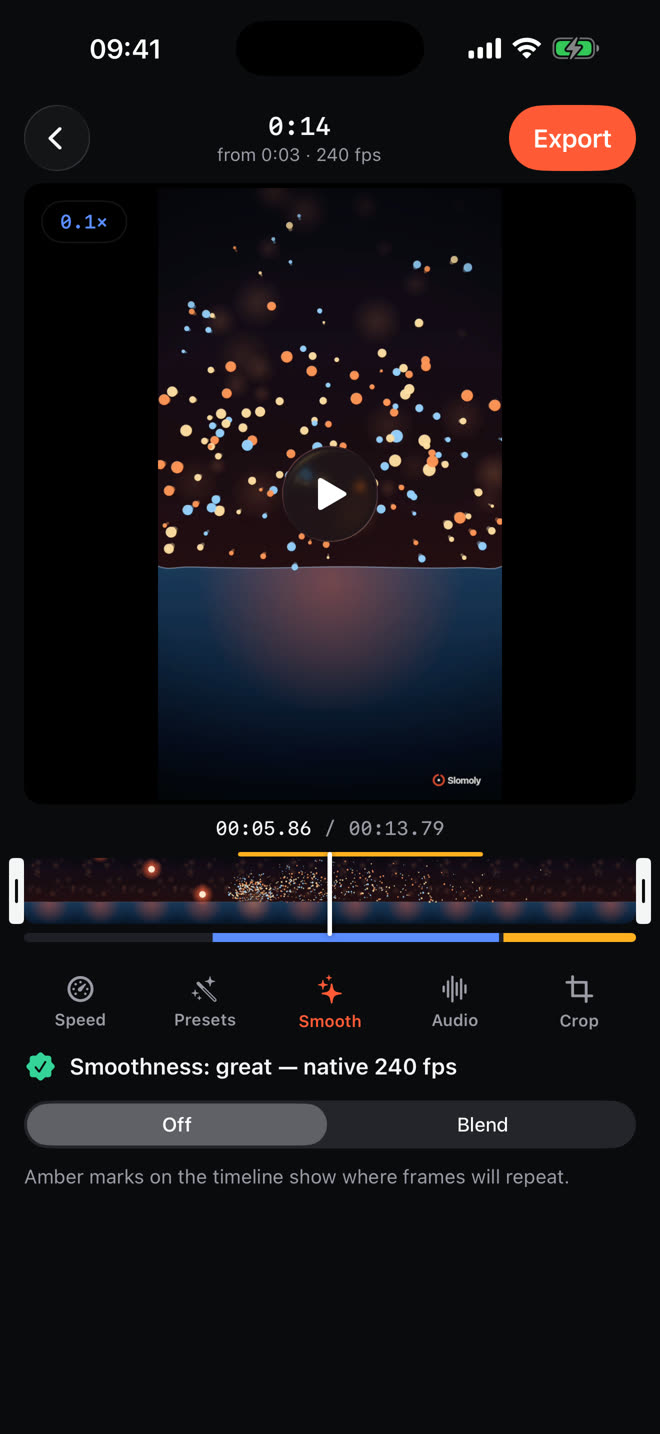
See where a clip runs short of frames. Blend them, or use AI Smooth on supported devices with iOS 26.
Shoot at up to 240 fps with lens, focus and exposure controls, or bring in any video from Photos, including iPhone slo-mo clips.
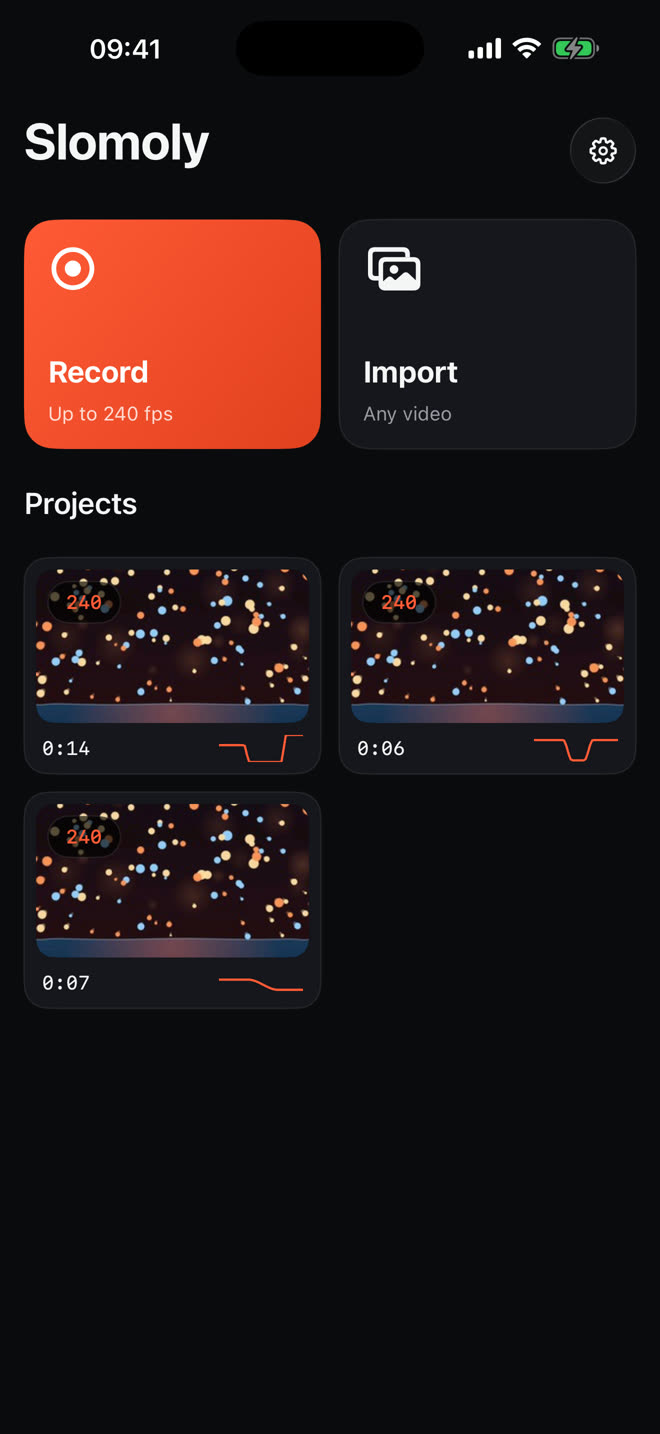
True slow-motion capture.
On supported iPhone models.From fast-forward to near-freeze in one ramp.
Export at up to 4K, 30 or 60 fps, straight to Photos.
Languages, from English to Vietnamese.
Slomoly edits and exports on your device. There is no account to make and nothing to upload.